

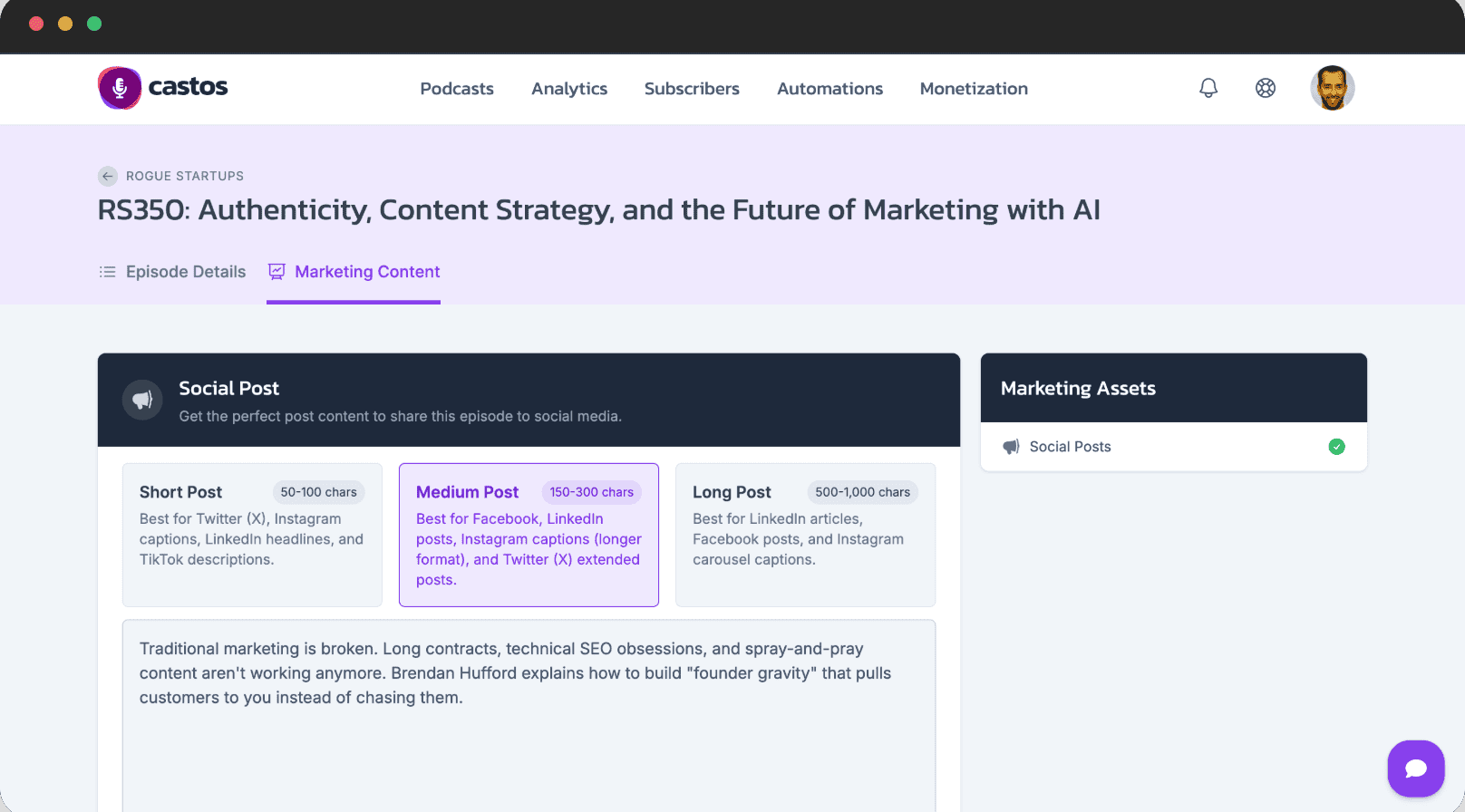
Most podcast hosting platforms treat WordPress like an afterthought — a place to embed a player and move on. Castos built its entire identity around the opposite: WordPress is the center of gravity, and everything else orbits around it.
That focus makes Castos either the best podcast host you will ever use, or one you should skip entirely, depending on whether you actually run a WordPress site. I spent time digging into what each plan actually delivers, where the hidden costs live, and who should pay for it. Here is what I found after going through every tier of Castos.
Pros & Cons
| ✅ Pros | ❌ Cons |
|---|---|
| Deepest WordPress integration in podcast hosting — Seriously Simple Podcasting plugin syncs everything | No free tier — 14-day trial only, then paid plans start at $19/month |
| Unlimited podcasts and episodes on every plan, including Essentials | Download caps on every tier (20K-200K/month) — competitors like Transistor offer unlimited |
| Private podcasting with unique subscriber feeds — great for courses and memberships | Video hosting locked behind Pro plan ($99/month) — real starting price for video podcasters |
| One-on-one onboarding call included on every plan, free migration on Growth+ | Private subscriber overages get expensive — $50/month per additional 500 subscribers |
| AI transcription credits, YouTube republishing, and automatic distribution to all major directories | UI can feel dated compared to newer entrants like Buzzsprout and RSS.com |
What Is Castos?
Castos is a podcast hosting platform that launched with a clear thesis: podcasters who run WordPress sites should not have to juggle two separate platforms. The company built the Seriously Simple Podcasting plugin, which turns any WordPress site into a podcast publishing hub that syncs directly with Castos’s hosting backend.
Founded in 2017, Castos has grown from a simple WordPress-focused host into a full-featured platform covering public podcasts, private podcast feeds, video episodes, AI transcription, and monetization tools. Plans start at $19/month for the Essentials tier and scale to $499/month for enterprise-level Premium accounts.
What separates Castos from competitors like Buzzsprout, Transistor, and RSS.com is not just the WordPress integration — it is the depth of it. When you upload an episode in Castos, the plugin automatically creates a WordPress post with the embedded player, title, description, and metadata. No copying, no pasting, no manual embeds.
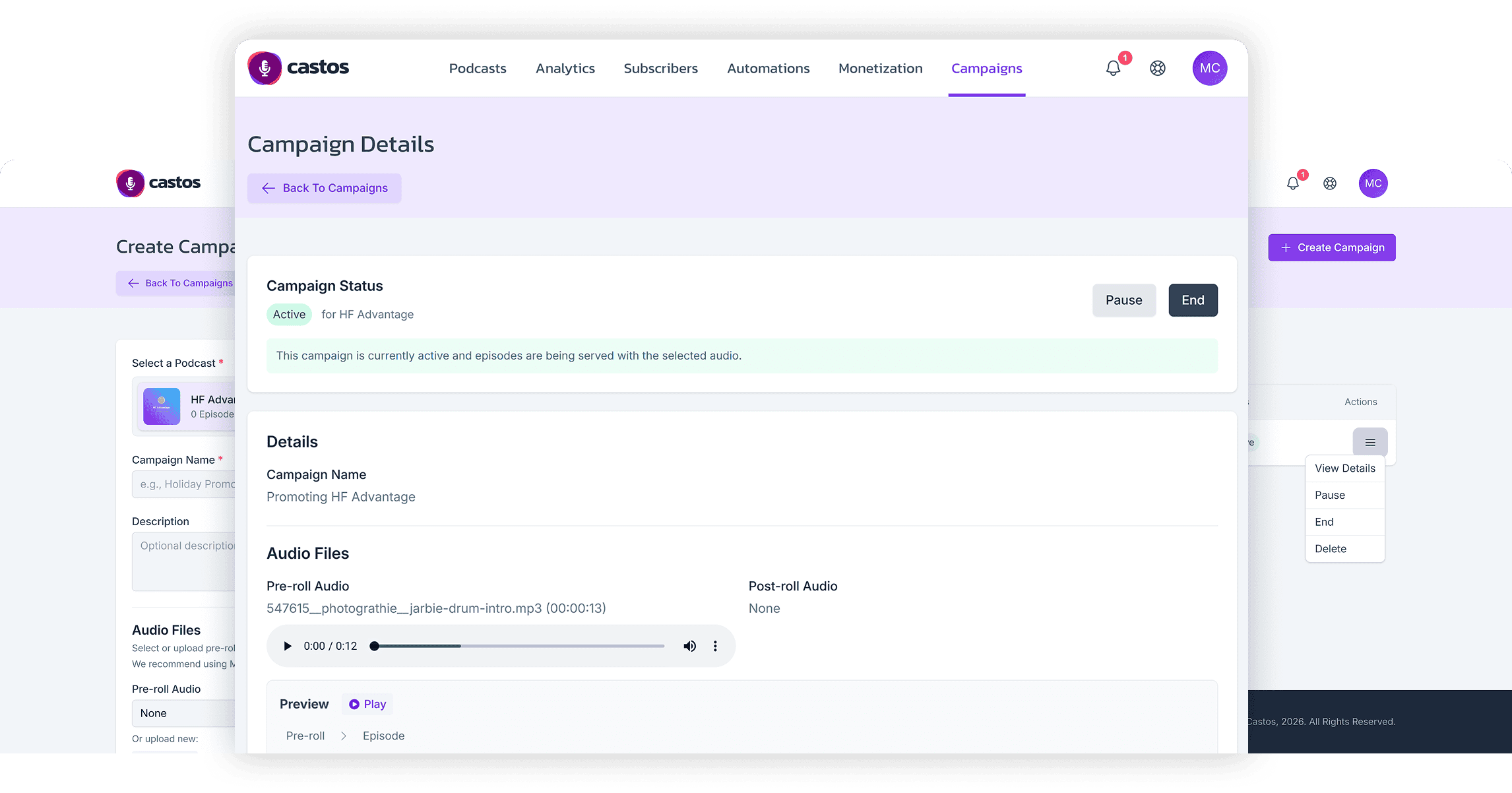
Pricing Breakdown: What Each Plan Actually Includes
Castos offers four tiers, and the jump from one to the next is meaningful. The Essentials plan at $19/month ($190/year) gives you unlimited podcasts and episodes, 100 private subscribers, 20,000 monthly downloads, and 10 AI transcription credits. That is enough for a solo podcaster publishing weekly with a modest audience.
The Growth plan at $49/month ($490/year) bumps private subscribers to 250, downloads to 75,000, and adds YouTube republishing — converting your audio episodes into video format automatically. This is the sweet spot for podcasters who want YouTube presence without the video production overhead.
Pro at $99/month ($990/year) is where the platform opens up. You get 500 private subscribers, 200,000 downloads, 100 transcription credits, video file hosting, and advanced analytics. If you are serious about video podcasting or running a paid membership podcast, this is realistically the tier you will end up on.
Premium at $499/month adds custom contracts, dedicated account management, and higher limits. That is for networks and agencies, not individual creators.
The WordPress Integration Actually Delivers
I have tested enough “integrations” to be skeptical, but Castos’s Seriously Simple Podcasting plugin is the real thing. Install it, connect your Castos account, and every episode you publish in Castos generates a WordPress post with the player embedded, the title synced, and the metadata pulled in automatically. It eliminates the copy-paste workflow that most podcast hosts force on you.
For teams, this is even more useful. Your editors and producers can work entirely within WordPress, which they already know. There is no separate dashboard to learn, no extra login to manage, no wondering whether the latest episode actually went live on the site.
The trade-off, and it is a significant one, is that this advantage evaporates if you do not use WordPress. If your site runs on Squarespace, Wix, Webflow, or a custom stack, Castos’s main selling point does not apply to you. In that scenario, you are paying for a feature you cannot use, and hosts like Buzzsprout or Transistor start looking like better deals.
Private Podcasting: The Undersold Feature
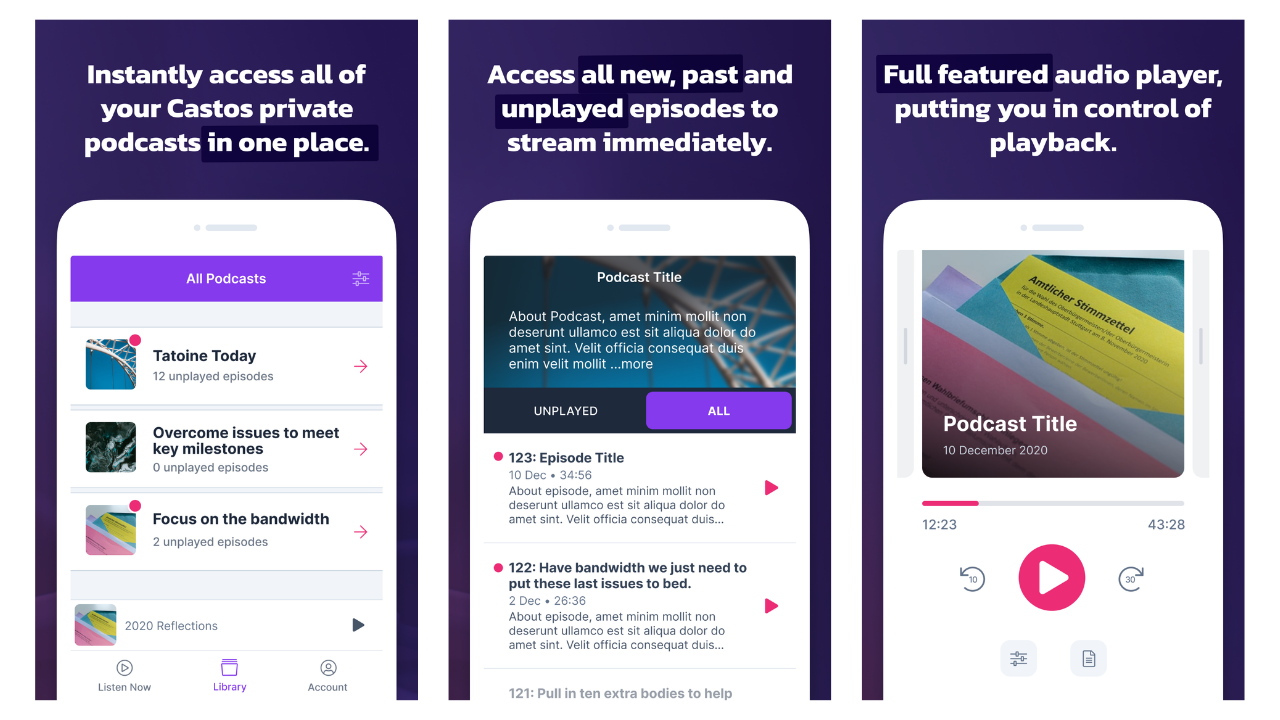
Castos supports private podcast feeds where you control exactly who can listen. Each subscriber gets a unique RSS feed URL that works in any standard podcast app — Apple Podcasts, Overcast, Pocket Casts, you name it. This opens up use cases that public podcast hosting does not cover: paid membership content, online course audio, employee onboarding, client-only updates.
The catch is the subscriber cap. Essentials includes 100 private subscribers, Growth 250, Pro 500. Past 500 on the Pro plan, each additional block of 500 subscribers costs $50/month. If you are running a course or membership podcast that takes off, costs can escalate quickly. At 2,000 private subscribers on Pro, you are looking at an extra $150/month on top of the $99 base.
That said, few podcast hosts take private podcasting seriously at all, so Castos is still one of the best options in this category. Just budget accordingly if you expect growth.
Video Podcasting and YouTube Republishing
Castos handles video podcasting on two levels. The Growth plan includes YouTube republishing, which converts your audio episodes into video files with your podcast artwork and uploads them to YouTube automatically. It is not true video podcasting — it is an audio-to-video conversion — but it gives you a YouTube presence without additional production work.
Actual video file hosting, where you upload real video episodes alongside your audio, is locked to the Pro plan at $99/month. If video is your primary format, Castos’s real starting price is not $19 — it is $99. That is worth knowing before you sign up for the trial thinking you will get full video features on Essentials.
Who Should Use Castos (and Who Should Skip It)
Castos makes the most sense if you tick at least two of these boxes: you run a WordPress site, you need private podcast feeds, or you want video hosting integrated with your audio platform. The WordPress plugin alone justifies the price if your publishing workflow currently involves copying and pasting between platforms.
Skip Castos if you are on a tight budget and do not need private podcasting or WordPress integration. Buzzsprout starts at $12/month with a more polished UI. Transistor matches the $19 price with unlimited downloads and a cleaner analytics dashboard. RSS.com has a free tier with unlimited hosting. None of them match Castos’s WordPress depth or private podcasting features, but if those are not priorities, you are overpaying.
Also skip it if you are not on WordPress. I cannot stress this enough — the Seriously Simple Podcasting plugin is Castos’s killer feature, and without it, you are just using an above-average podcast host with download caps and no free tier.
Where to Buy
(affiliate link — I may earn a commission at no extra cost to you)
The Bottom Line
Castos is the best podcast host for WordPress users, period. The Seriously Simple Podcasting plugin creates a publishing workflow that no other host matches, and the private podcasting features open up revenue streams that public-only hosts cannot touch. The $19/month Essentials plan is genuinely good value if you fit the WordPress profile.
That said, the download caps, the expensive video tier, and the lack of a free plan mean Castos is not for everyone. If you are not on WordPress and do not need private feeds, you can get more for less elsewhere. But if WordPress is your home base and you want a podcast host that treats it as a first-class citizen, Castos is worth every dollar of that $19/month.