I’ve tried most of the AI meeting notetakers at this point. Fireflies, Otter, Fathom — the list goes on. And while they all do roughly the same thing, there’s one thing that consistently bothered me about them: the bot. That awkward moment when “Fireflies.ai Notetaker” pops into your Zoom call and everyone on the client side does a double take. That’s the problem Circleback set out to solve, and honestly, they’ve done it better than I expected.
Circleback is a YC-backed AI meeting notetaker built by former Stripe and Tableau engineers. Instead of a bot that dials into your calls, Circleback records from your computer — no virtual participant needed. It works across Zoom, Google Meet, Microsoft Teams, Slack huddles, and even in-person conversations. And it produces genuinely good notes, not the rambling transcripts most tools churn out.
Pros & Cons
| Pros | Cons |
|---|---|
| No bot joins your calls — records natively from your device | No permanent free tier, just a trial |
| Exceptionally clean, well-organized notes (not raw transcripts) | Young company (founded 2023) — smaller track record than incumbents |
| Auto-assigned action items with owner and context | Team pricing adds up for larger organizations |
| 100+ languages with speaker identification | Desktop app required for the no-bot experience |
What Is Circleback?
Circleback is an AI-powered meeting assistant that handles the entire lifecycle of your meetings — recording, transcribing, summarization, action items, and search. Founded in 2023 and backed by Y Combinator, it’s built by engineers who previously worked at Stripe and Tableau, which already tells you something about the product’s DNA: it’s polished, fast, and designed to integrate into real workflows.
What sets it apart from the crowd is architecture. Most meeting assistants use a bot that joins your call as a participant. Circleback captures audio directly from your computer or phone, so there’s no “third wheel” in the room. It connects to your Google or Outlook calendar, detects when you’re in a meeting, and starts recording automatically. You get a subtle notification and a countdown before it kicks in, giving you time to opt out if needed.
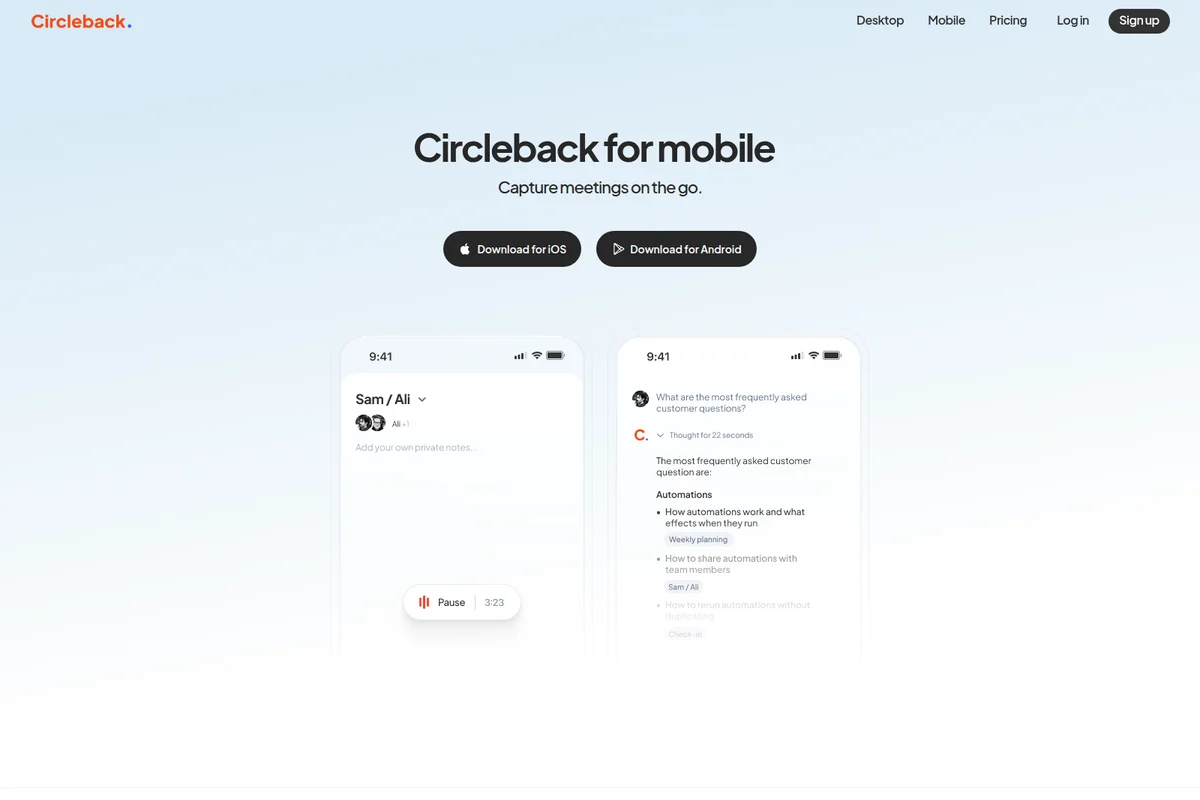
For in-person meetings, the mobile app handles it — just set your phone on the table and it captures everything. Once recorded, Circleback generates structured notes with key points, decisions, and auto-assigned action items. You can rewatch meetings with video playback, search across all your conversations, and automate follow-ups through Zapier or Make.com.
The No-Bot Experience Actually Matters
I used to think the bot-in-call debate was overblown. Who cares if there’s an extra participant labeled “AI Notetaker”? But the more client calls I did, the more I noticed people reacting to it. Some asked what it was. Others got visibly uncomfortable. A few asked me to remove it. It creates a subtle but real friction that you don’t want in a sales call or a sensitive conversation.
Circleback sidesteps this entirely. It runs locally on your machine, so the other participants never know it’s there. The transcription quality is impressive — it handles technical jargon well and identifies speakers by name. I’ve thrown product names, acronyms, and mixed-language meetings at it and it kept up better than most tools I’ve used.
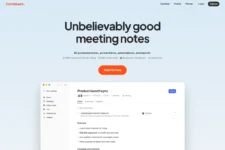
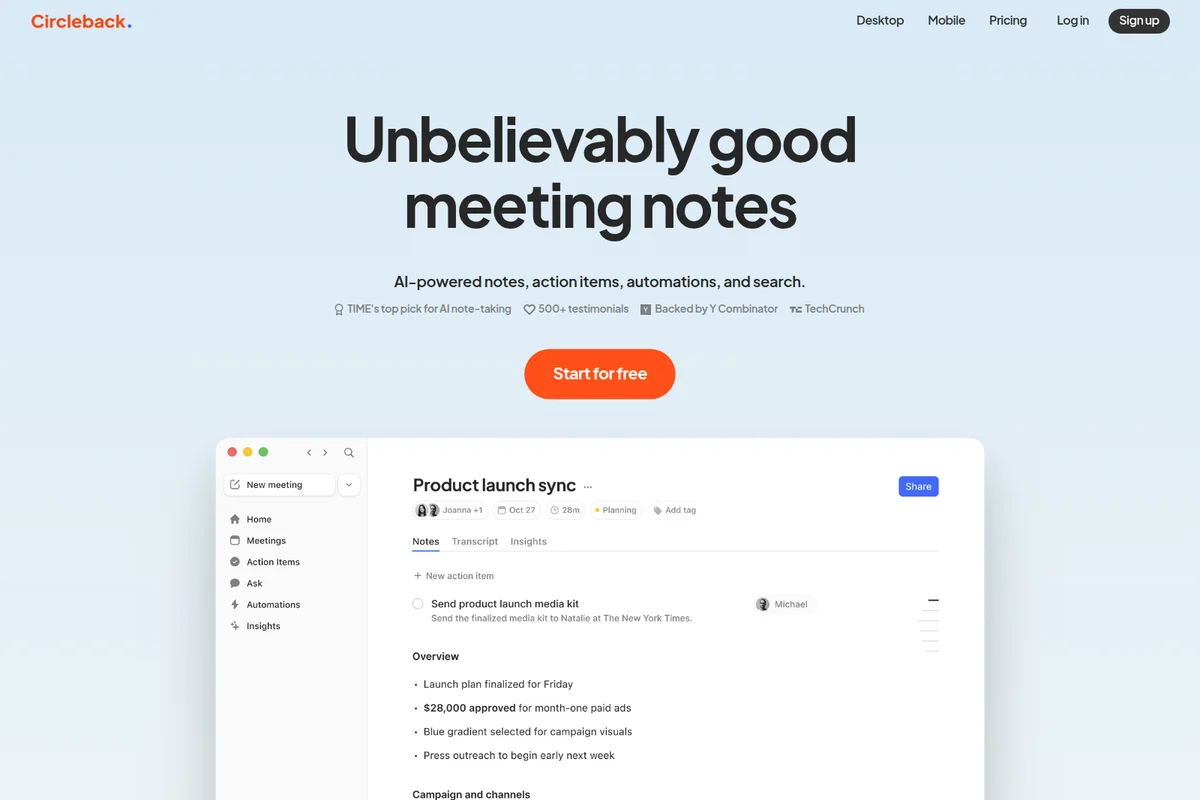
The notes themselves are worth talking about. Circleback doesn’t just dump a transcript and call it a day. The output is structured: a concise summary, key discussion points organized by topic, and action items with assignees. It reads closer to something a good EA would write than what most AI tools generate.
Action Items That Actually Get Assigned Correctly
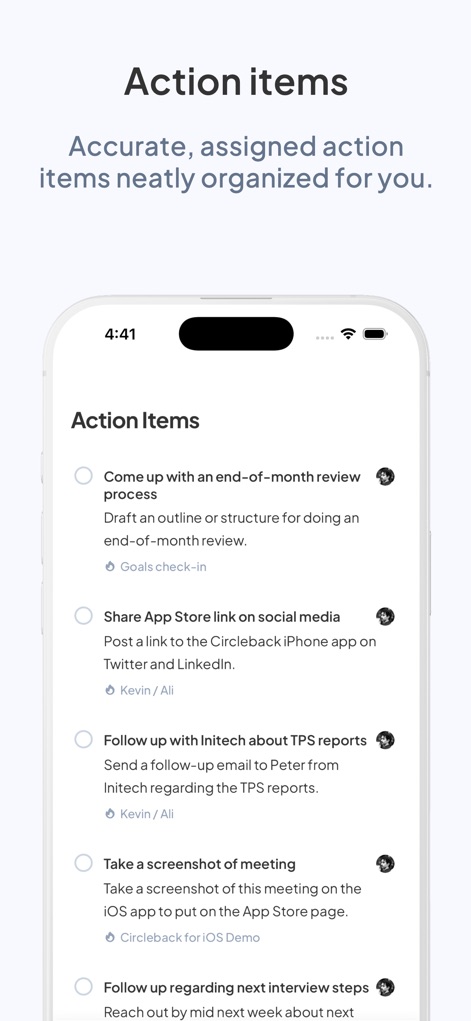
This was the feature that surprised me most. Most meeting tools generate action items, but they’re generic (“Follow up on the proposal” with no context). Circleback extracts who said what and assigns ownership based on the conversation. So instead of a vague todo, you get something like “Send proposal to Michael by Friday” attributed to the person who actually committed to doing it.
These action items flow into your existing tools. Circleback integrates with Linear, Notion, HubSpot, Asana, Slack, and over 1,000 other apps through Zapier and Make.com. You can set up automations that create Linear tickets from action items, update HubSpot deals after sales calls, or push notes to a Notion database — all without touching anything.
The search feature deserves a mention too. You can ask questions across all your past meetings — “What did we decide about the Q3 pricing strategy?” — and it surfaces the relevant conversation with a timestamped reference. It’s the kind of thing that makes you realize how much institutional knowledge vanishes the moment a meeting ends.

What’s the Trade-off?
Circleback isn’t perfect, and the biggest issue is pricing structure. There’s no permanent free tier — you get a free trial, then it’s $25/month for the Individual plan (or $20.83/month billed annually). For teams, you’re paying per seat, which adds up fast. Fireflies and Otter both have free plans that work for casual use, so Circleback is asking you to commit from day one.
The desktop app requirement is another consideration. If you want the no-bot experience, you need the macOS or Windows app running on your machine. If your company doesn’t allow installations or you’re on a locked-down device, you’re back to the bot-in-call approach. The mobile app handles in-person meetings well, but for virtual calls, the desktop app is where the magic happens.
It’s also worth noting that Circleback is still young. Founded in 2023, it doesn’t have the years of reliability data that Otter or Fireflies have accumulated. That said, the engineering team’s pedigree is strong, and the product moves fast. Every few weeks there’s a meaningful update — new integrations, better transcription, UI polish.
Who Should Buy It?
Circleback makes the most sense if you’re in a client-facing role — sales, consulting, account management, or any position where the bot-in-call dynamic is awkward. It’s also a strong fit for startup founders and small teams who run a lot of meetings and need action items tracked without babysitting a tool.
If you’re an individual who just wants free meeting transcripts, Fireflies or Otter’s free tiers will serve you fine. But if you’re willing to pay for cleaner output, no bot in your calls, and genuinely useful action-item automation, Circleback is worth the $25/month. The YC pedigree and rapid iteration pace suggest it’s only going to get better from here.
Where to Buy
(affiliate link, I may earn a commission at no extra cost to you)
The Bottom Line
Circleback solves the most awkward part of AI meeting tools — the bot in your call — and it does it well. The notes are clean, the action items are actually useful, and the search across meetings is something you’ll miss the moment you stop using it. It’s not the cheapest option, and the lack of a free tier will be a dealbreaker for some, but if you’re in meetings all day and want something that feels invisible and actually works, it’s one of the best options out there right now.
Give Circleback a try with a free trial and see if the no-bot difference matters as much as I think it does.